
Weighted Deviation
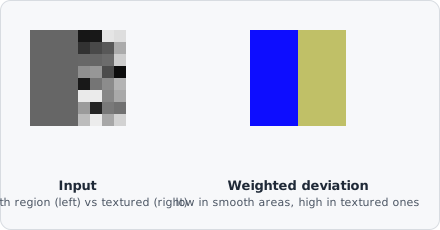
The Weighted Deviation command computes the Gaussian-weighted local standard deviation at each pixel. Pixels in smooth, uniform regions produce low values; pixels in textured or edge regions produce high values.
It’s computed from the identity : a Gaussian-weighted average of the raw intensities, and a separate Gaussian-weighted average of the squared intensities, combined to get a smooth, stable local variance map - without the blocky artifacts a plain rectangular window would produce.
When to use
Section titled “When to use”Use Weighted Deviation to:
- Highlight regions with high local variation (edges, textures) while suppressing uniform areas.
- Create a feature image for thresholding heterogeneous structures.
Parameters
Section titled “Parameters”| Parameter | Description |
|---|---|
| Kernel size | Size of the local window (range 3–27) |
| Sigma | Standard deviation of the Gaussian weighting within the window |
A larger kernel size and higher sigma increases the scale of the detected variation. Smaller values respond to fine-grained texture.