
Installation
Download and install EVAnalyzer on Linux, Windows, or macOS. Get started →
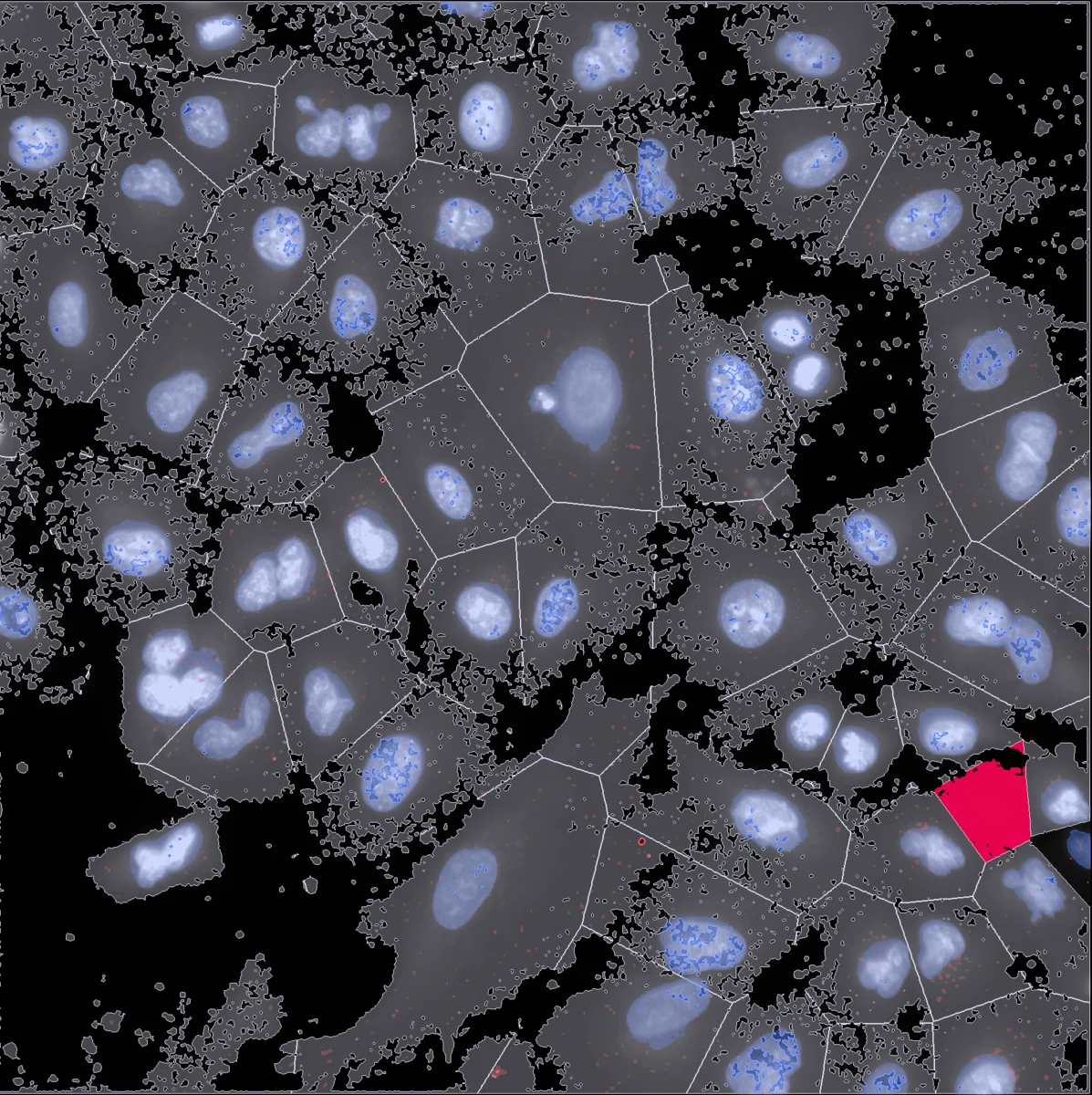
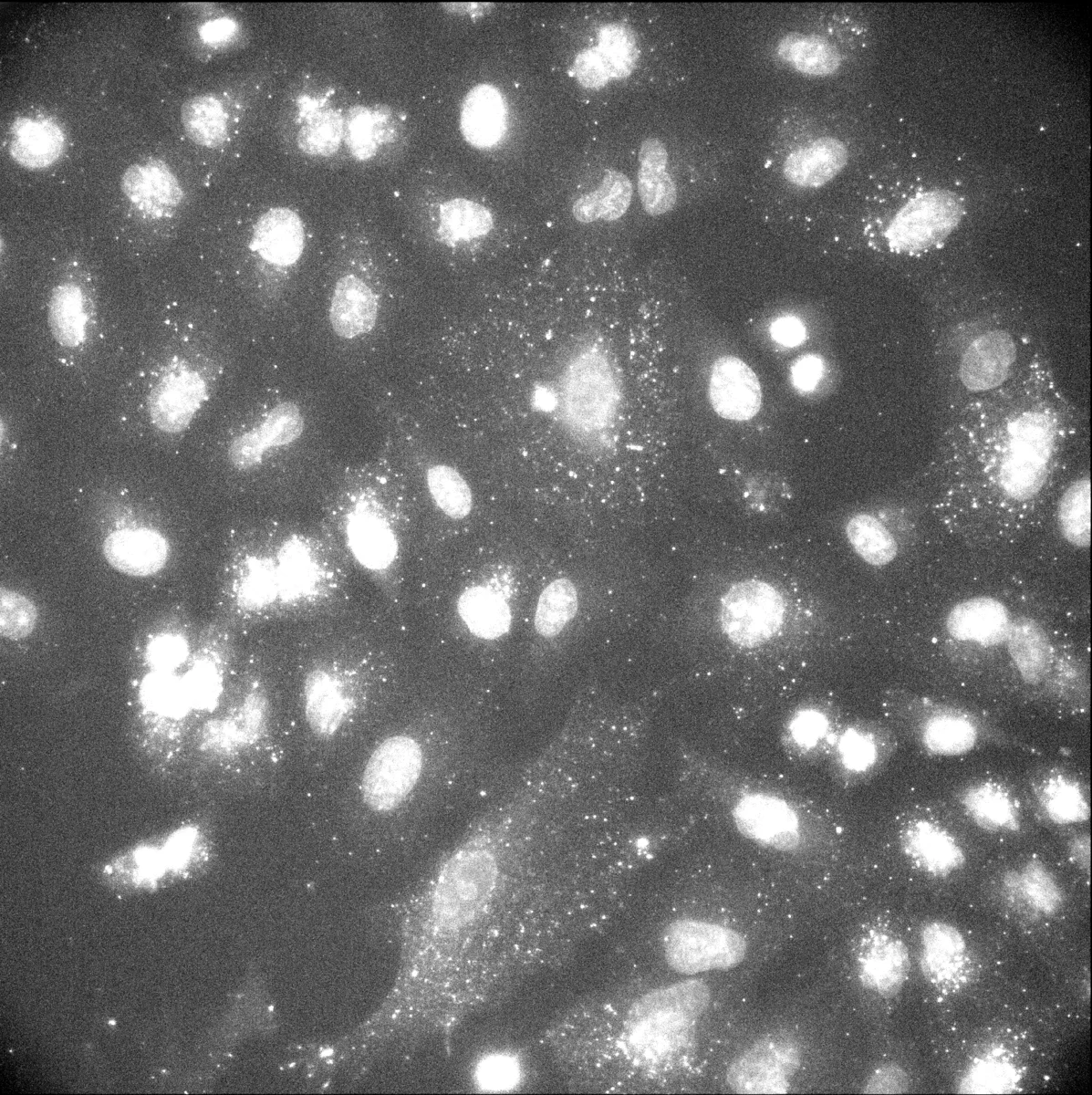 Raw
Analyzed
Raw
Analyzed
EVAnalyzer is the next-generation successor to the original EVAnalyzer ImageJ plugin. Rebuilt for modern workflows, it pairs a high-performance image viewer with a fully configurable, multi-step analysis pipeline builder. While adaptable to any image format, EVAnalyzer is optimized for complex datasets, including fluorescence microscopy and high-content, whole-slide screening data. Designed for scale, the platform efficiently batch-processes thousands of images simultaneously, storing all results in a structured local database for seamless export and downstream analysis. See About for the full history.
Installation
Download and install EVAnalyzer on Linux, Windows, or macOS. Get started →
First Steps
Create your first project and run your first analysis. Learn more →
Commands
Browse the full library of 41 pipeline commands. Explore commands →
Tutorials
Step-by-step guides for spot counting, colocalization, and more. View tutorials →
 LightDark
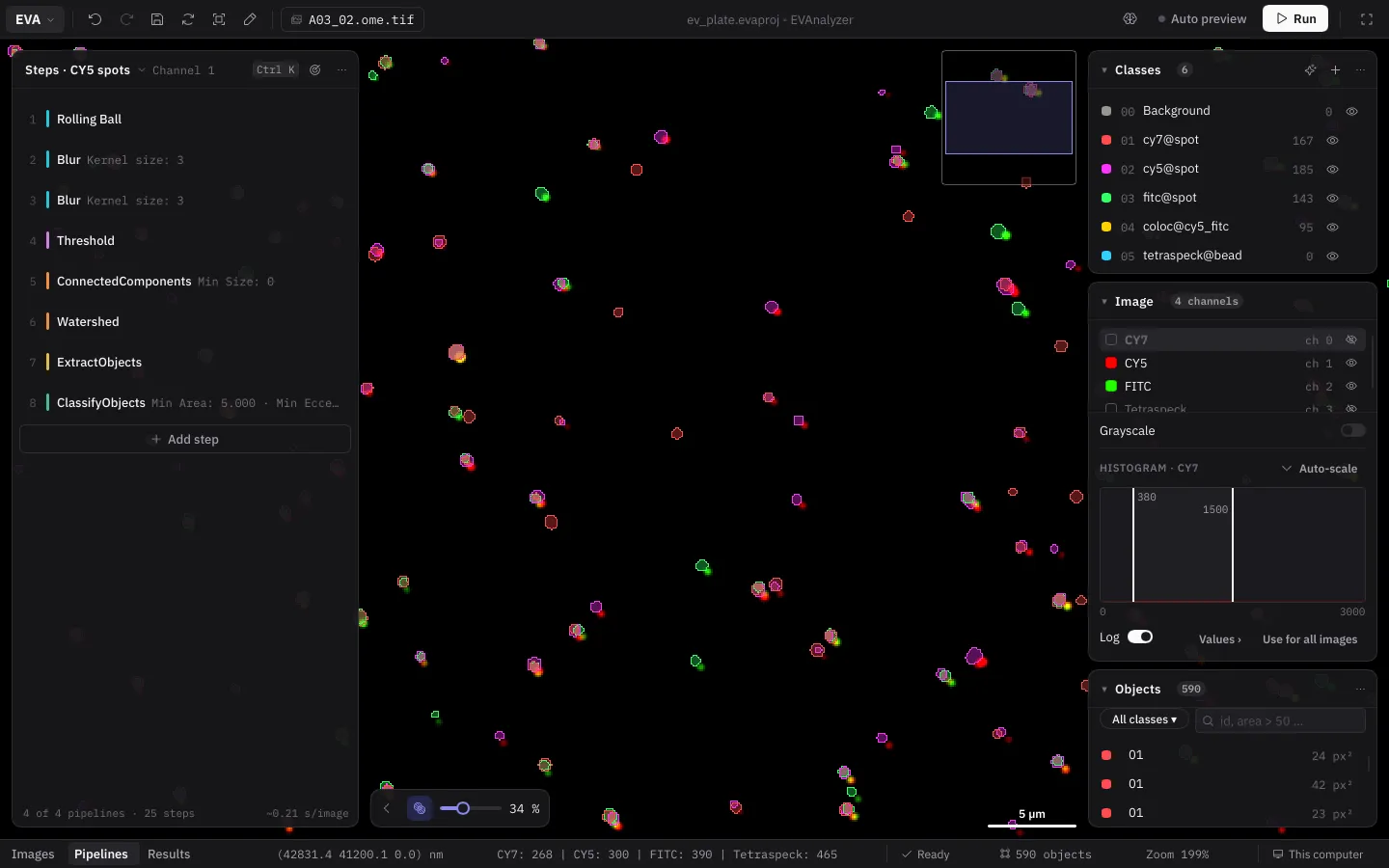
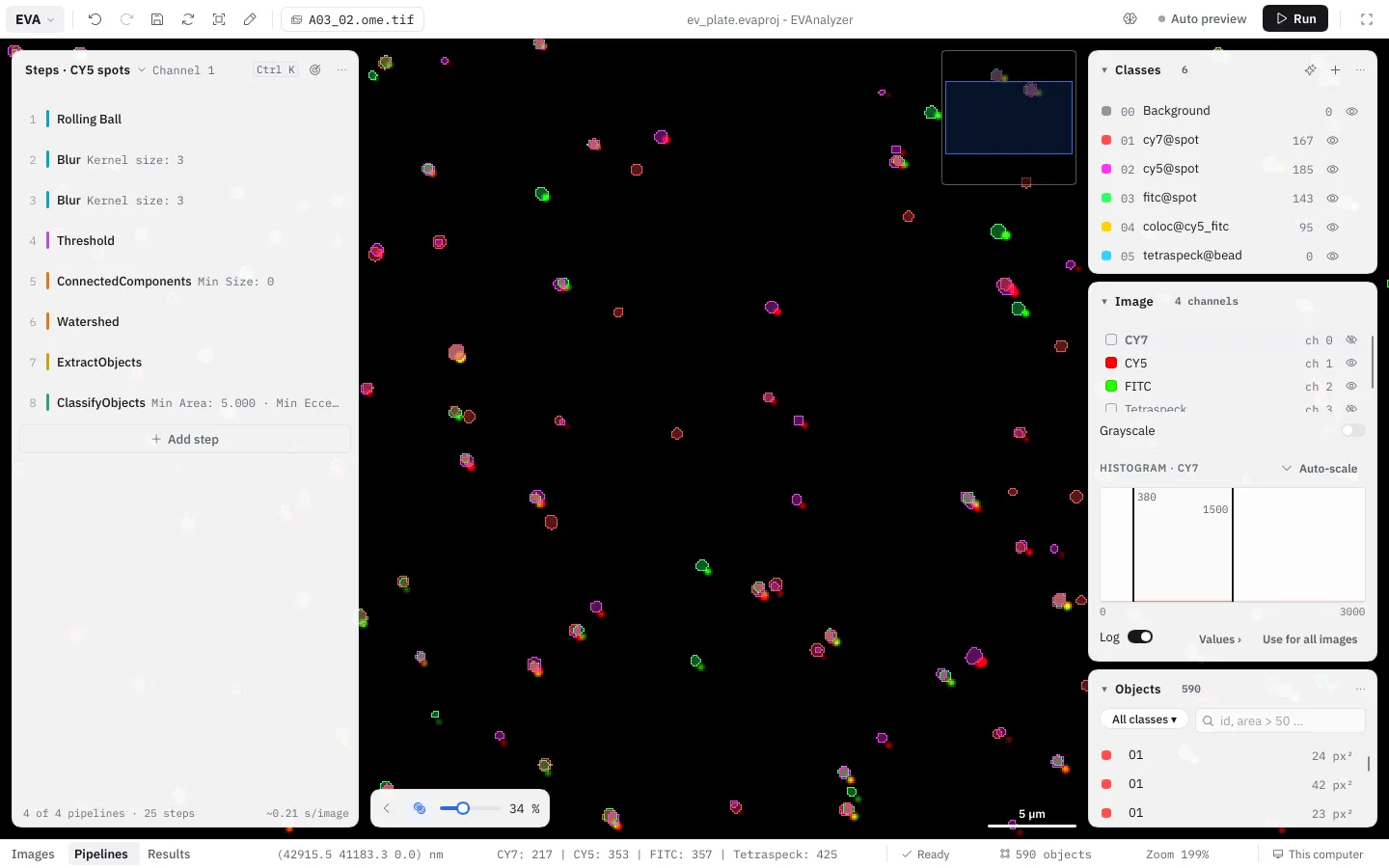
Configure multi-step pipelines and preview segmentation results live against your raw image data - in light, dark or dim colors.
Live preview
See every change at once: with Auto preview on, the pipeline re-runs on the part of the image in view whenever you change a setting, and the objects it finds appear over the image right away - no “run and wait” loop while you tune.
High throughput, really fast
Written in Rust and running on every core: 81 two-channel 2048 × 2048 images analysed in 14 s - 9× faster than a Fiji macro and 13.6× faster than CellProfiler in parallel mode, with 12× less RAM. Benchmark →
Multiple pipelines
Create as many independent image processing pipelines as your experiment needs - one per channel, or chained together for complex multi-step workflows.
Native microscopy formats
CZI, ND2, LIF, VSI, OME-TIFF, SVS, NDPI, SCN, and more, read by scopeio - EVAnalyzer’s own pure-Rust image reader. No Java, no conversion, files open in about a millisecond, with full multi-channel support out of the box.
Whole-slide image support
Large pyramidal, tiled whole-slide images are streamed and analysed tile by tile automatically - no manual downsampling required.
Cross-tile object merging
A whole organ or tissue region spanning hundreds of tiles on a gigapixel slide is reassembled into one correctly-measured object - not just stitched within a fixed overlap window like other tools. How it works →
Z-stacks & time-lapse
Intensity projections (Max, Min, Avg, Sum, Middle) or per-frame processing across Z-stacks and time-lapse (T-stack) sequences.
Live multi-channel viewer
Per-channel brightness/contrast, visibility toggles, and colour assignment - pin the settings that matter to the Tuning panel, and set breakpoints to see any step’s image.
Results beside the image
Click a row of the results and the image flies to that object - check every measurement against the pixels it came from.
Object tracking
Follow objects through a time-lapse: the Simple Tracker links them into tracks, and Results › Tracks lists every track with its speed and straightness, shows its trail on the image, and charts any property over time.
Interactive charts & results database
Histogram, scatter, and boxplot charts, plus a drillable plate/well heatmap, over results stored in a queryable local database, ready for grouping, filtering, and export to XLSX, CSV, or Parquet.
Remote control
Run the GUI or CLI on your laptop while images stay and pipelines run on a GPU workstation or server - encrypted, one worker per user, analyses keep running across disconnects. How it works →
Batch processing at scale
Queue and process thousands of images unattended - the same pipeline runs consistently across an entire dataset, storing results as it goes.
Classical & AI segmentation
Combine classical algorithms (Threshold, Watershed, Edge Detection) with AI-based object detection (Stardist, UNet, Cellpose, YOLOv5) in the same pipeline - or import a published bioimage.io model to auto-configure one.
Train your own AI classifiers
Paint examples directly on your images and train a Random Forest, k-NN, or neural-network pixel/object classifier in minutes - no external model or dataset required, ready to use as a pipeline step.